Section outline
-
-
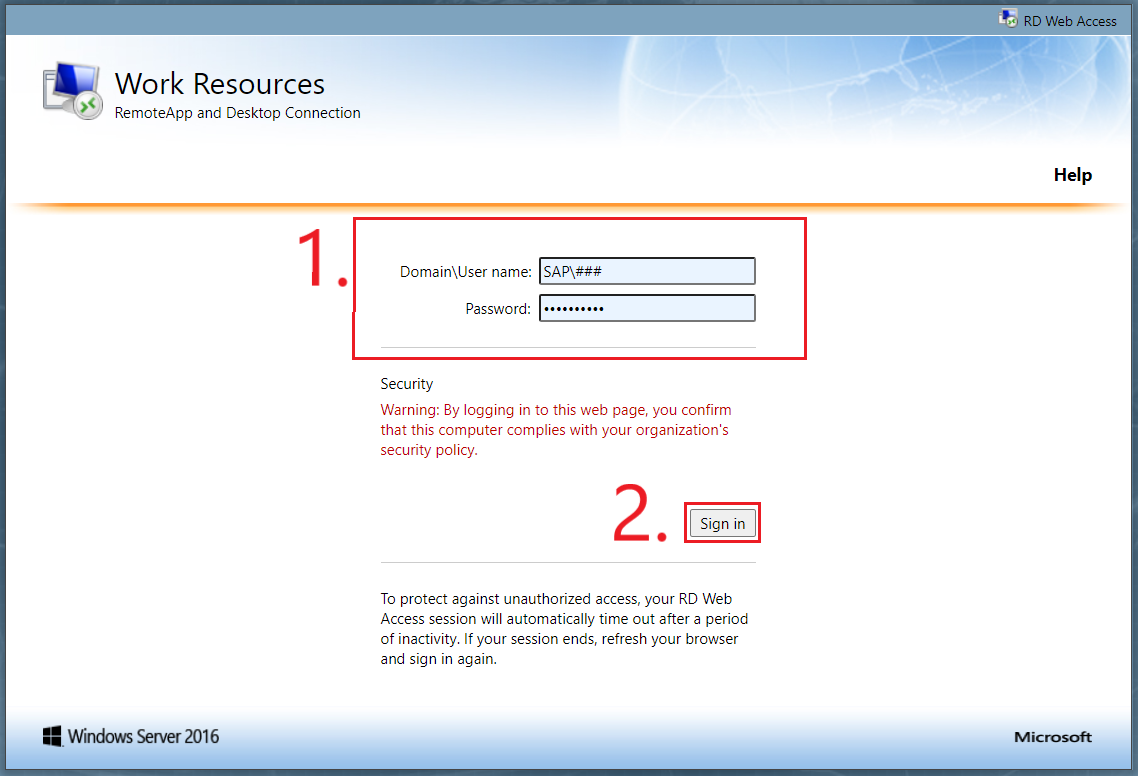
Open the following link in your preferred Internet Browser : https://saprds.hevs.ch/RDWeb
Enter your user & password (see course "Connection Data")
-
-
-
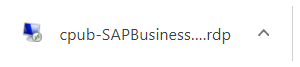
Click the SAP Business One Client 9.3 (64-bit) icon to download the file

-
-
-
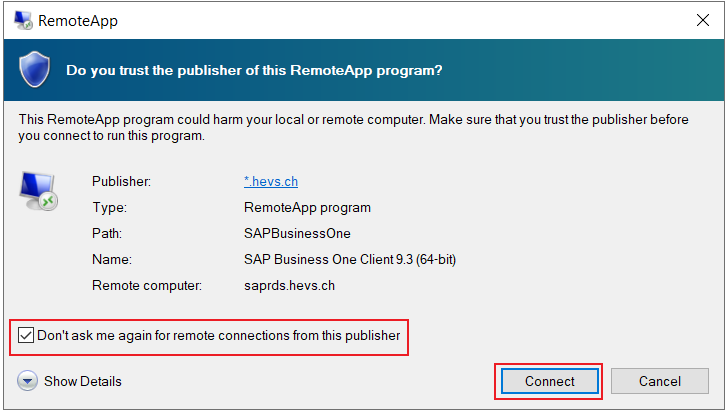
Once the window is open, check "Don't ask me again for remote connections from this publisher" and "Connect"
-
A second login screen will open. Layout depends on your selected Internet Browser.
Enter your Connection details again.

-