Abschnittsübersicht
-
-
Open SAP Business One Client (64-bit)
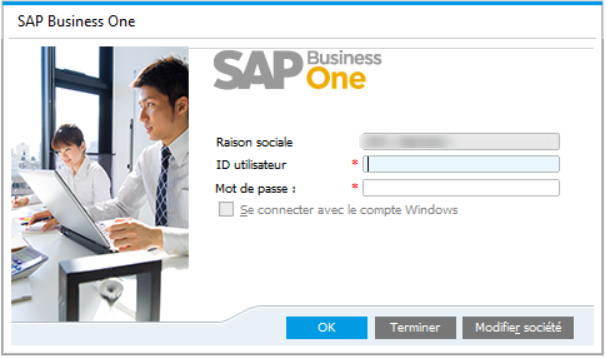
Now you should see the SAP Business One log on screen
-
-
-
To change your keyboard language, click on the small icon.

.
Then select Language preferences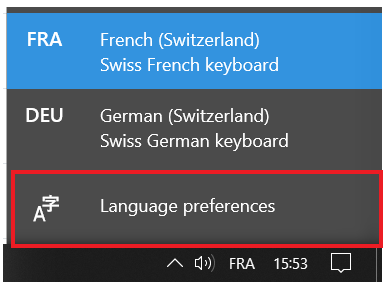
In the next screen please select < Add a preffered language >
Choose and install your language.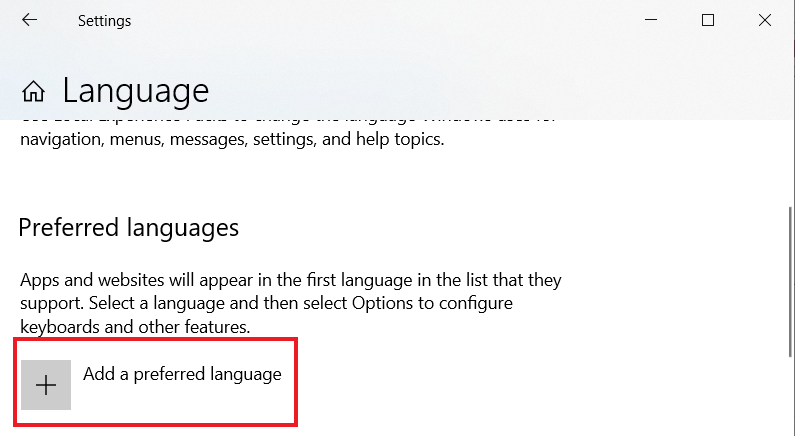
Close the window. Now you should be able to select your keyboard language
-
-
-
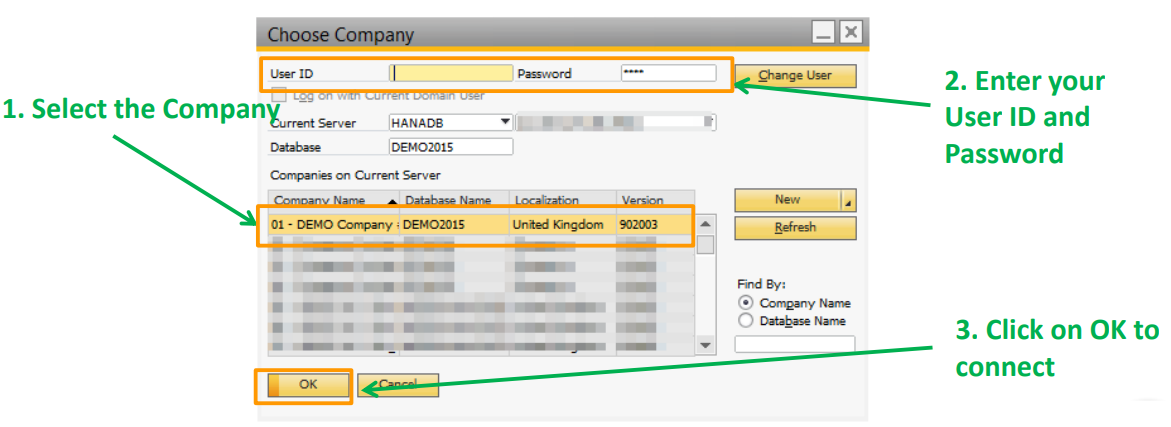
In the following screen, please make a click on Change Company, to choose your institution.
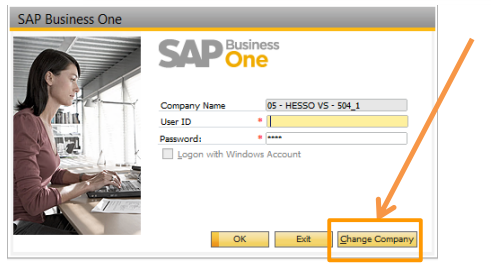
Then select your Company, enter your User ID and Password and click OK.
-